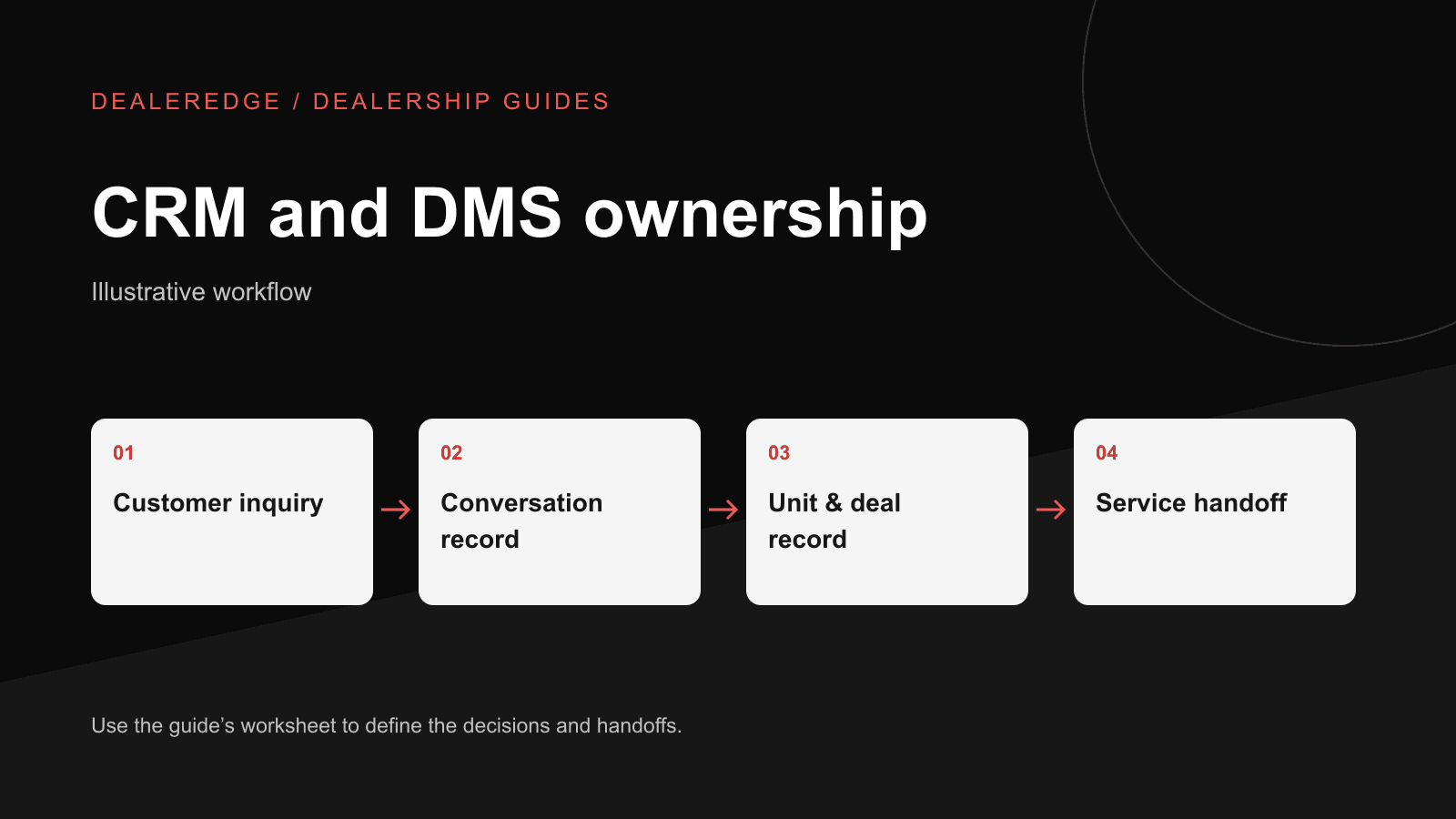
Leads get lost. Nobody knows who spoke to the customer last. The same buyer appears three times. The quick conclusion is "we need a new CRM." That may be right. The trouble may also sit in the dealer management system (DMS), or in an undefined handoff between the two that currently runs on sticky notes and personal texts. This guide helps you work out which one you're dealing with.
Conversations vs. transactions
As a broad category distinction:
- A CRM is organized around people and conversations: who the customer is, what they've said, and what happens next.
- A DMS is organized around units and transactions: inventory cost, deals, accounting, parts and service.
Vendors package these features differently, and many products overlap. Compare specific capabilities, not category labels.
Software is only part of the picture. The MRAA's guide to CRM treats CRM as strategy, practices and technology together, with people and process mattering alongside the tools. A new system won't fix a follow-up process that nobody owns.
Common ownership patterns
| Job | Often in a CRM | Often in a DMS | Overlap to watch |
|---|---|---|---|
| Contact details | ✓ | Customer records too | Two customer lists drift apart |
| Calls, texts, emails, notes | ✓ | Limited notes | History split across systems |
| Next action and tasks | ✓ | Some include tasks | Task assigned in one, completed in another |
| Lead source | ✓ | Sometimes at deal | Source lost when the lead becomes a deal |
| Sales pipeline stage | ✓ | Deal status | Stage never closed after delivery |
| Unit record, cost, floorplan | — | ✓ | CRM shows stale unit details |
| Deal structure and paperwork | Sometimes | ✓ | Customer retyped |
| Accounting | — | ✓ | — |
| Parts and service orders | — | ✓ | Service follow-up outside the CRM |
| Owned equipment | Sometimes | ✓ via deal/service history | Owner history invisible to sales |
The aim isn't to put everything in one system. The aim is for each field to have one system of record, the place where it is created and corrected. Other systems may display copies.
Hypothetical flow: inquiry, trade-in and sea trial
- A shopper submits a website inquiry on a used bowrider and mentions a 2014 pontoon to trade.
- The lead enters the CRM with the stock number and source. The customer bought a cover at the parts counter last year, so a DMS record already exists. The CRM doesn't check for it and creates a new contact.
- The salesperson calls and logs "sea trial Saturday" in the CRM.
- The used-boat manager writes the appraisal on a notepad. The salesperson texts the customer a range. Neither system holds the value.
- The sea trial goes into a personal phone calendar. The dock team finds out Saturday morning.
- The deal is written in the DMS, and the customer's details are typed in again.
- The unit is marked sold in the DMS. The website listing stays up, and the CRM still says "sea trial scheduled."
- At first service, the advisor has no idea the owner plans to fish offshore.
Each step uses software, but the failures are handoffs. A better version:
- Match against existing customers before creating a contact.
- Store the appraisal value in one agreed place, and have CRM notes reference it.
- Put sea trials on a calendar the dock team can see.
- Have a sold status in the system of record update both the listing and the CRM stage, whether by integration or by an assigned manual step.
- Carry relevant owner context into service.
Record ownership worksheet
Fill this in before you talk to any vendor. The answers are decisions, not software features.
| Field or record | System of record | Creates | May correct | Update deadline | Copies appear in |
|---|---|---|---|---|---|
| Customer contact | |||||
| Lead source | |||||
| Next action / follow-up date | |||||
| Trade appraisal value | |||||
| Sea trial / appointment | |||||
| Unit status | |||||
| Deal details | |||||
| Owned equipment |
If two managers give different answers for the same row, buying software won't settle it on its own.
Duplicate records
Typical causes:
- Several entry points: web, phone, walk-in, show lists and service each create records.
- Weak matching: names alone, so "Bob Smith" and "Robert Smith" with the same phone number become two people.
- One-way copies between the CRM and the DMS.
- No one assigned to review and merge.
Recommended fixes:
- Agree on matching keys such as phone and email.
- Limit merge rights to trained staff.
- Review possible duplicates on a set schedule.
- Decide which system wins when records conflict.
Diagnose before you buy
| Symptom | Likely cause | Where to start |
|---|---|---|
| Leads sit untouched | No assignment rule or accountable person | Process first, then check assignment and alerts |
| Follow-ups missed | Tasks not created or not visible | CRM configuration or replacement |
| Duplicate customers | Multiple entry points, weak matching | Matching rules, merge ownership, CRM–DMS connection |
| Sold units still advertised | Status not leaving the system of record | Inventory and listing handoff |
| Accounting or parts errors | Transaction system problems | DMS configuration or change. A CRM won't fix this. |
| Sales can't see owner or service history | DMS data not visible to sales | Integration or reporting |
| Managers can't see the pipeline | Stages not maintained | Process discipline plus reporting |
Response speed is a separate topic, covered in responding to leads within 90 seconds.
Questions for any vendor
- Export: Can we export all customer, conversation and task data? In what format, and at what cost? What happens to our data if we cancel?
- Permissions: Can we restrict who edits, merges and deletes records? Can we control what managers and salespeople can see? Is there a change history?
- Connections: Which of our current systems do you connect with? For each one, which direction does data flow, which fields move, how often, and how are errors reported?
- Matching: How are duplicates detected, and who can merge them?
Make the demo run your scenario
- A web inquiry arrives on a specific used unit. Show the stock number and the source.
- The customer already exists from a parts purchase. Show what happens.
- Assign the lead, log a call and set a next action. Show the manager's view.
- Schedule a sea trial. Show who can see it.
- Record a trade appraisal, or link to where it lives.
- Mark the unit sold. Show what changes, and which changes depend on a connection to your systems.
- Export one customer's full history.
- Find and merge a duplicate.
Note which steps you saw done live and which were only described.
Map your workflow with DealerEdge
Judge DealerEdge the way you'd judge any vendor: against your ownership decisions, not a feature list. DealerEdge is designed to connect marketing, sales, inventory and analytics workflows. Which responsibilities stay with your existing DMS depends on your systems and setup, so confirm against your own records.
- 1. record ownership worksheet
- 2. next demo
- 3. your own scenario
Complete the record ownership worksheet with your sales manager and whoever runs the DMS, agreeing on a system of record for each row. Then Email me about the next demo to ask to be emailed about the next session. This is an interest request, not a registration.
Prefer to start with your own workflow? Request a private walkthrough with the worksheet and the eight-step demo scenario above, and review DealerEdge sales follow-up and integrations first.